
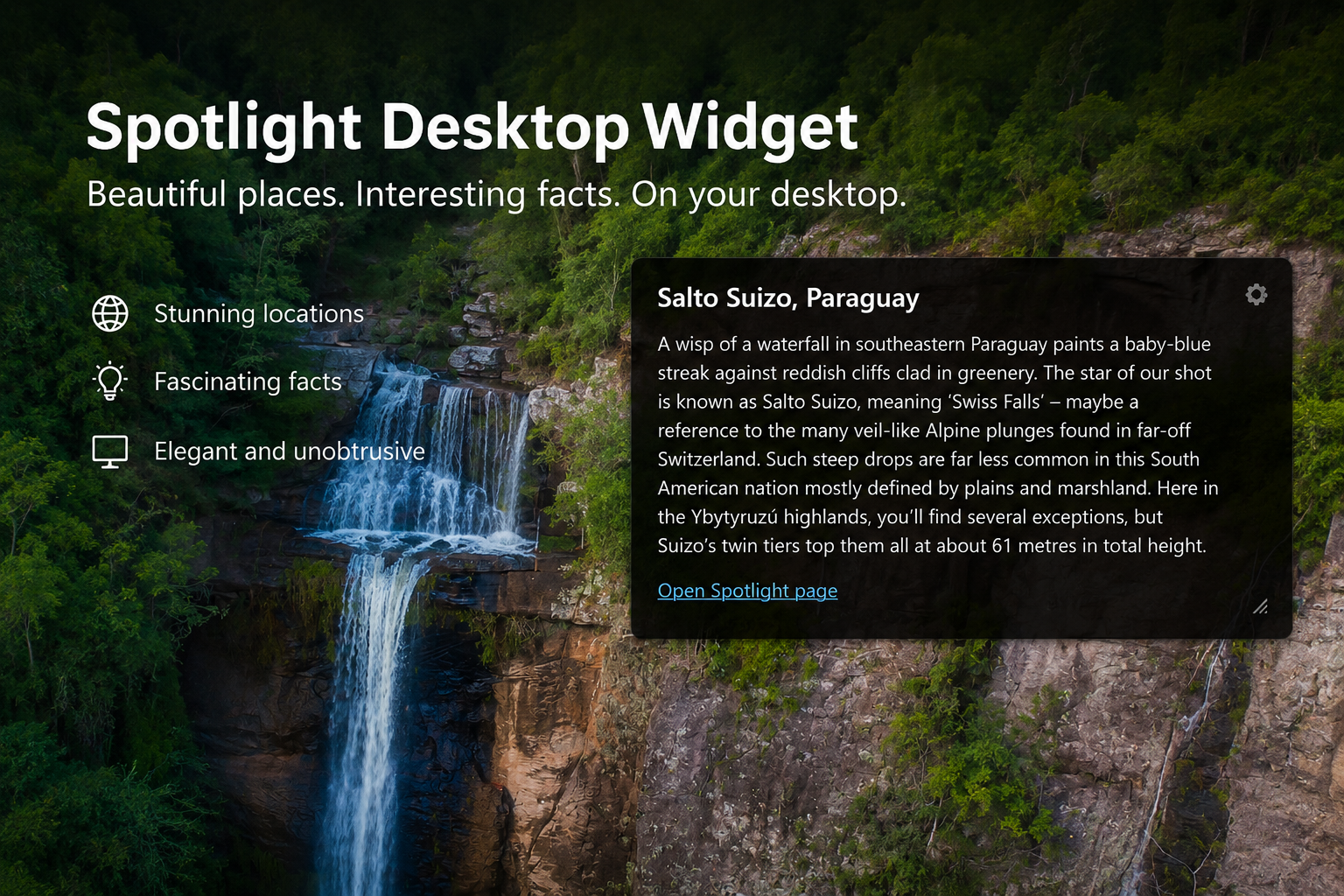
Spotlight Desktop Widget is a simple Windows utility that brings information about the current Windows Spotlight image directly to your desktop.
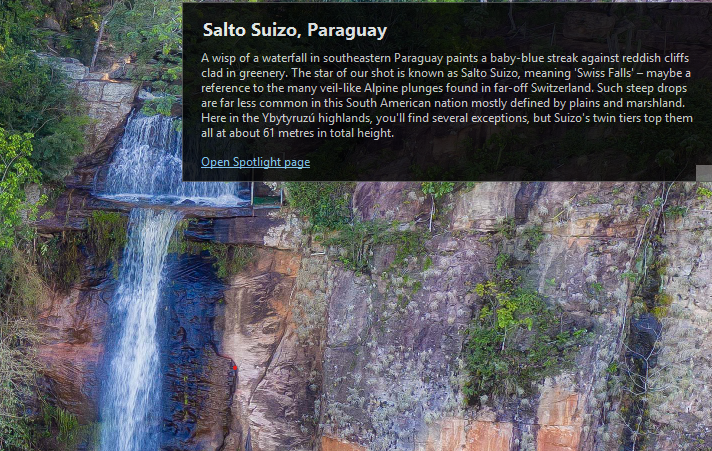
Instead of searching manually for details about the background image, the widget displays the Spotlight title and description in a clean, always-available desktop panel. It is lightweight, unobtrusive, and easy to use.
Why use it?
Windows Spotlight often shows beautiful images, but the details behind them are not always easy to access. Spotlight Desktop Widget solves that by placing the information right on your desktop, where it is always visible when you need it.
Features
- View the current Windows Spotlight image title
- View the current Windows Spotlight image description
- Open the related Spotlight page directly
- Desktop-friendly widget design
- Move and resize the widget freely
- Automatic refresh when the Spotlight image updates
- Remembers its size and position
- Works with both single and multiple monitor setups
System Requirements
- Windows 11 (recommended)
- Windows 10 (limited support – Spotlight must be enabled and available)
Download
Version 1.0
Download here:
Installation
- Download the application.
- Extract the files if provided as a ZIP archive.
- Run
SpotlightDesktopWidget.exe. - The widget will appear on your desktop and start loading Spotlight information.
In order for widget to work you need to enable Windows Spotlight.
Find out how to enable it here: Windows Spotlight (learn.microsoft.com)
Run at Windows Startup
To start the widget automatically when Windows starts:
- Press Win + R
- Type:
shell:startup - Press Enter
- Copy or create a shortcut to
SpotlightDesktopWidget.exeinside this folder
The widget will now launch automatically every time you log in.
Release Notes
v1.0
- First public release
- Displays Spotlight title and description
- Direct link to Spotlight page
- Resizable and draggable widget
- Saved window placement