
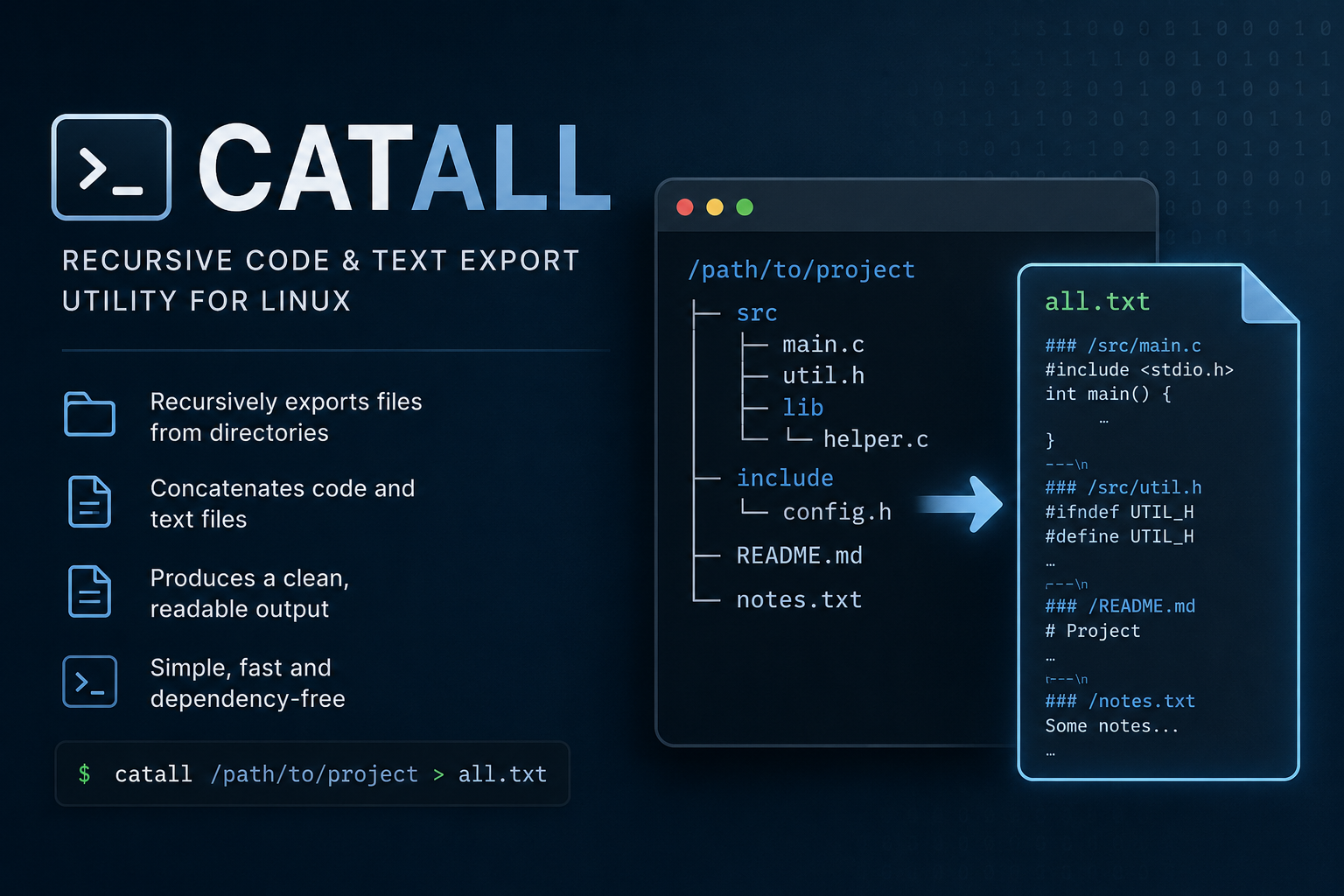
I recently built a small Linux utility called catall – (cat all) a fast native command-line tool for exporting repositories, source trees, configuration files, and text-based projects into a single readable stream.
It is useful for:
- code review
- AI context export
- repository snapshots
- debugging
- documentation
- audits
- terminal workflows
Unlike a simple cat or find | xargs cat, catall supports:
- recursive traversal
- extension collections
- binary detection
.gitignore- hidden file filtering
- custom headers
- file limits
- directory headers
- repository-aware filtering
The tool is written in C++17 and distributed through the KocarTech APT repository.
Installation
1. Add repository key
curl -fsSL https://repo.kocar.net/repo.key \ | sudo gpg --dearmor -o /usr/share/keyrings/kocartech.gpg2. Add the repository
echo "deb [signed-by=/usr/share/keyrings/kocartech.gpg] https://repo.kocar.net stable main" \
 | sudo tee /etc/apt/sources.list.d/kocartech.list
3. Install catall
sudo apt update
sudo apt install catall
Basic usage
List files in current directory
catall .Recursive export
catall -r .Use absolute paths
catall -r -A .Simple headers
catall -S -r .Example output:
src/main.cpp:Include directory headers
catall -r -D .Example:
=== DIRECTORY: src ===Extension collections
C++ projects
catall --extcol cpp -r .Python projects
catall --extcol python -r .Node.js projects
catall --extcol nodejs -r .PHP/Laravel projects
catall --extcol php -r .Examples
catall - cat files with path headers

Usage:
  catall [options] DIR

Without arguments, catall shows this help.

Normal examples:
  catall .
  catall -r .
  catall -A .
  catall -r -A .
  catall -r -D .
  catall -r -D -A .
  catall -S .
  catall -S -A .
  catall -r -S -A .
  catall -H '--- FILE: {relpath} ---' .
  catall -A -H '===== {path} =====' .
  catall -r -s '\n--- END FILE ---\n' .

Project examples:
  catall --extcol cpp -r .
  catall --extcol python -r .
  catall --extcol nodejs --exclude-ext json -r .
  catall --extcol php -e vue -e ts -x vendor -x .git -r .
  catall --extcol laravel -r .
  catall --list-extcols
Options
Options:
  -r, --recursive              Recurse into subdirectories
  -A, --absolute               Print absolute paths in headers
  -S, --simple                 Simple file headers: path:
  -D, --dir-headers            Print directory headers
      --dir-header FMT         Directory header format
                               Default: "=== DIRECTORY: {path} ==="

  -H, --header FMT             File header format
                               Default: "===== {path} ====="
                               Tokens: {path} {relpath}

  -s, --separator STR          Printed after each file. Default: "\n\n"

  -b, --binary                 Include binary-looking files and known binary extensions
                               Default skips binary extensions and binary-looking files

  -m, --max-size BYTES         Skip files larger than BYTES
                               Default: 1048576 bytes
  -M, --no-max-size            Disable default max-size limit

  -e, --ext EXT                Add extension manually, repeatable
                               Also overrides binary-extension exclusion for EXT
      --extcol NAME            Add extension collection, repeatable
      --exclude-ext EXT        Remove extension from final extension set

  -x, --exclude PATH_OR_PREFIX Exclude relative path/prefix, repeatable
      --include-hidden         Include dot files and dot directories
      --no-gitignore           Do not read .gitignore

  -L, --follow-symlinks        Follow symlinks

  -T, --limit-text CHARS       Limit displayed file content to CHARS characters, then print ...
  -F, --limit-files COUNT      Limit number of displayed files, then print ==...MORE FILES...==

  -q, --quiet                  Suppress read/permission/filesystem errors

      --show-skipped           Show skipped files
      --show-skipped-reasons   Show skipped files with reasons

      --list-extcols           Show available extension collections

  -h, --help                   Show help
      --version                Show version
Built-in extension collections
cpp, python, php, nodejs, web, java, go, rust, dotnet, ruby, shell, configConfiguration
Global config file:
/etc/catall/catall.confExample:
[collections]
laravel=php,blade.php,js,ts,vue,css,scss,json,env,md
django=py,html,css,js,json,yml,yaml,toml,md
[binary_exts]
extra=wasm,map,bin,dat
Why I built it
I often needed a clean way to:
- export repositories into AI tools
- inspect projects quickly
- generate readable snapshots
- avoid binary junk
- keep formatting consistent
Existing tools solved parts of the problem, but not the full workflow I wanted.
So I built catall as a lightweight native Linux utility focused specifically on repository and text export workflows.
Repository
KocarTech APT Repository:
Package description
GitHub
Final notes
catall is still evolving and more features will likely be added over time:
- improved
.gitignoresupport - more extension collections
- additional export modes
- formatting improvements
- archive support
- possible JSON export mode
Feedback and suggestions are welcome.